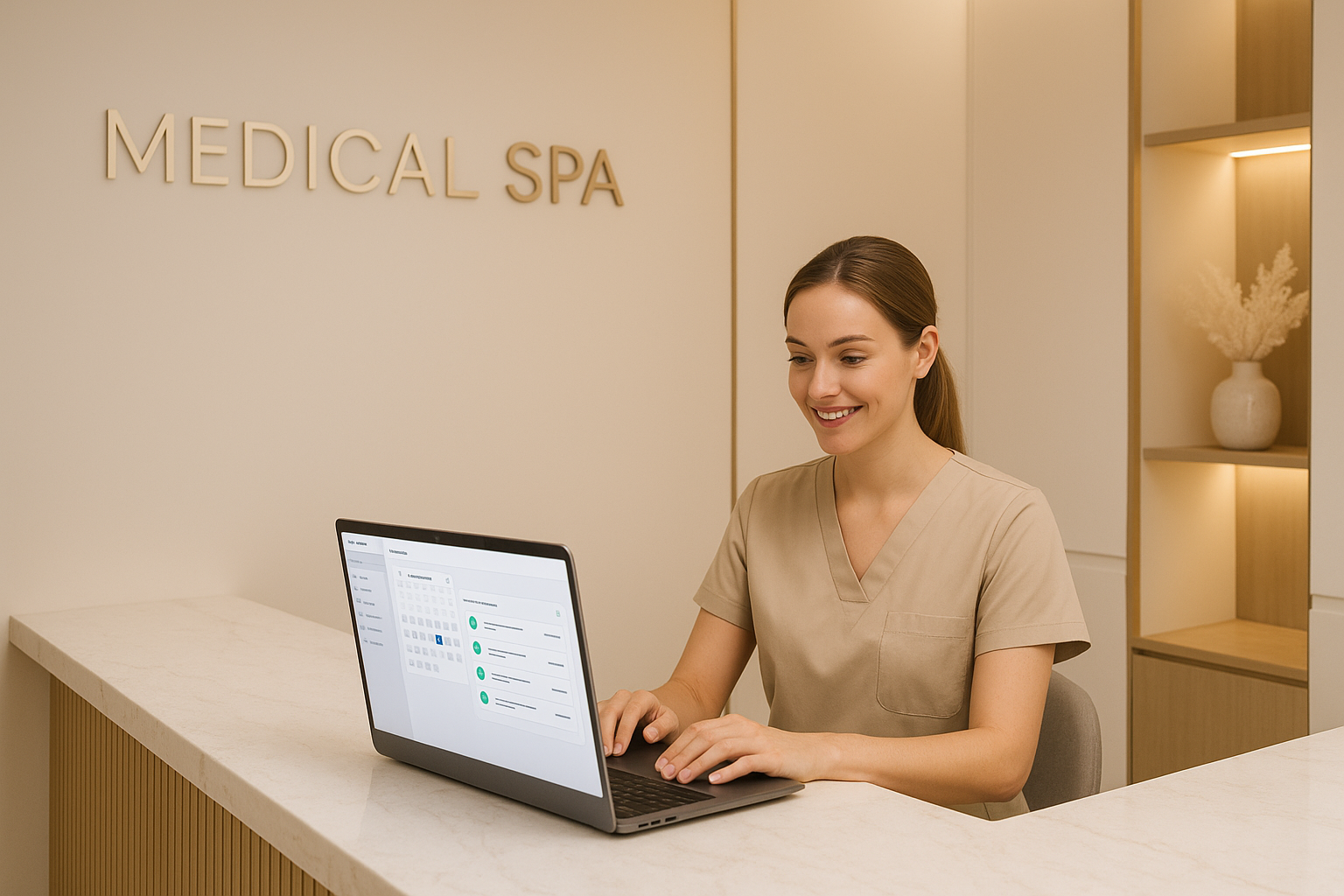
A prospective patient finds your med spa at 11 PM on a Saturday. They fill out your contact form asking about Botox pricing. By Monday morning, they’ve already booked with your competitor—the one that replied within 4 minutes with a personalized message, a booking link, and a welcome video from the provider.
You never stood a chance. Not because your practice is inferior, but because your communication workflow wasn’t built for the way patients shop today.
Patient communication automation is the practice of using software to handle touchpoints—inquiries, confirmations, reminders, follow-ups, reviews—automatically, consistently, and in a HIPAA-compliant manner. When done right, it feels more personal than manual outreach, not less. And it runs 24/7 without adding headcount.
This guide covers everything: the patient communication lifecycle, which touchpoints to automate first, which tools work for aesthetic practices, and how to stay on the right side of HIPAA while doing it.
Why Patient Communication Is Where Most Practices Lose Revenue
Before diving into solutions, it’s worth understanding why this problem is so expensive.
The average aesthetic practice loses 30–40% of new inquiries simply due to response speed. Studies on lead response time consistently show that the chance of qualifying a lead drops by 80% if you wait more than five minutes to respond. Most practices respond in hours, if at all.
Then there’s the no-show problem. The average no-show rate in aesthetic practices runs 15–25%. At $400–$800 per treatment slot, a single missed appointment is real money. At five no-shows per week, you’re looking at $100,000+ in lost annual revenue.
And after the treatment? Most practices do almost nothing. No follow-up about results, no ask for a review, no reactivation outreach when a patient hasn’t returned in 90 days. The relationship ends at checkout.
Automation doesn’t just solve these problems—it scales the solution. Once built, it works the same for your 10th patient inquiry and your 1,000th.
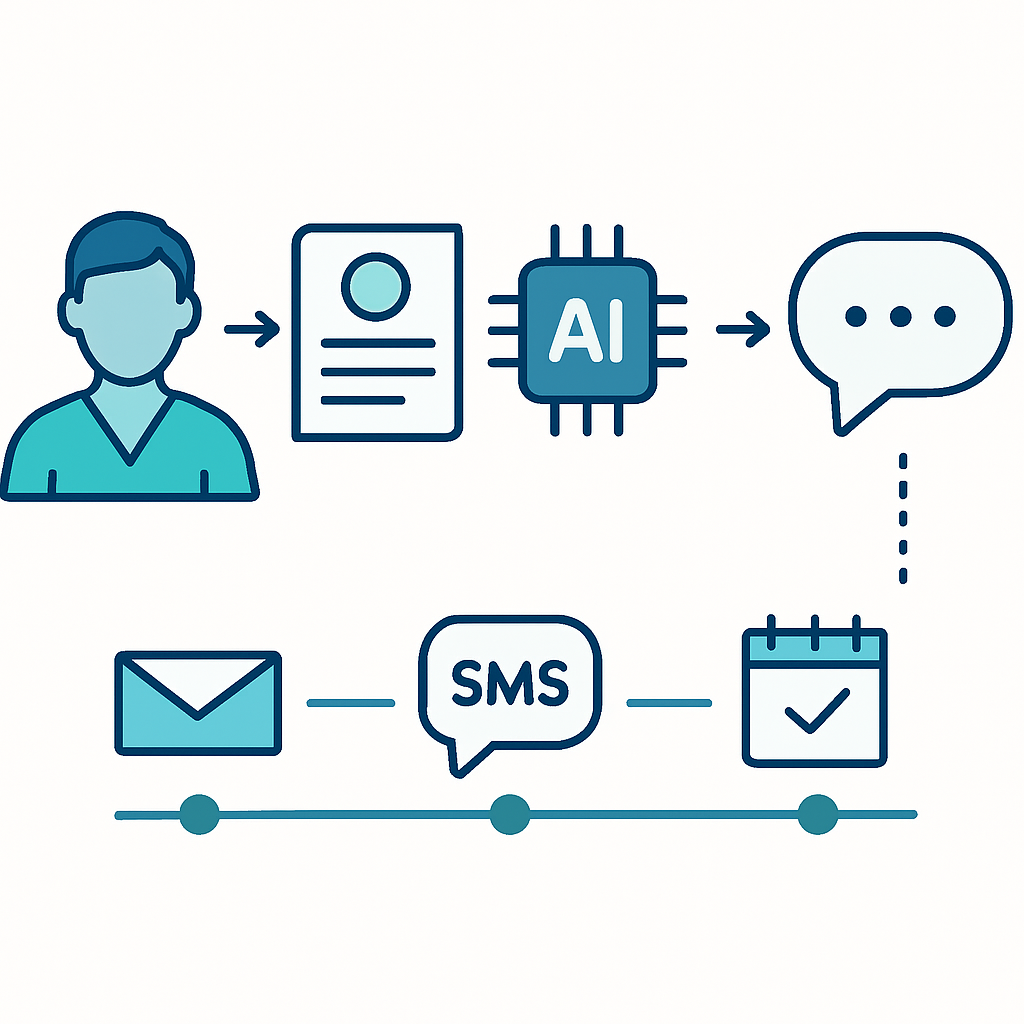
The Patient Communication Lifecycle
Think of every patient relationship as a sequence of communication moments. Most practices handle a few of these manually and miss the rest entirely.
Stage 1: First Inquiry
Whether it comes through your website form, Instagram DM, Google Business Profile, or phone call, the inquiry is the highest-stakes moment. A patient is choosing between you and at least two other practices.
What automation handles:
- Instant acknowledgment: “Thanks for reaching out—we’ll have someone call you within the hour” (sent immediately, 24/7)
- Lead capture to your CRM with inquiry source tagged
- Automatic notification to your front desk team with lead details
- If after hours: warm handoff message with booking link for morning
The goal at this stage isn’t to replace the human conversation—it’s to hold the lead until a human can take over. Speed and warmth win here.
Stage 2: Consultation Booking
Once a patient is interested, friction kills conversions. Every extra step between “I’m interested” and “I’m booked” costs you patients.
What automation handles:
- Instant booking link delivery via text and email
- Calendar integration that shows real availability
- Automated intake forms sent immediately upon booking
- Deposit processing if your practice requires one
- Confirmation message with location, parking, and what to expect
Getting intake forms submitted before the consultation saves 15–20 minutes of chair time and signals to patients that your practice is organized and professional.
Stage 3: Pre-Visit Preparation
The window between booking and appointment is an opportunity most practices waste. Patients are anxious, curious, and deciding whether to show up.
What automation handles:
- 48-hour reminder (email + text) with appointment details
- 24-hour reminder with a link to reschedule if needed (this actually reduces no-shows by giving patients an easy out vs. just ghosting)
- Pre-treatment instructions specific to the procedure booked
- A “meet your provider” message with bio and credentials
- Reminder to hydrate, arrive early, avoid certain medications
That provider introduction message alone can meaningfully reduce no-shows. Patients who feel a connection before they arrive are far more likely to keep the appointment.
Stage 4: Day-Of Communication
Simple logistics, done automatically.
What automation handles:
- Morning-of confirmation text
- Parking/check-in instructions
- “We’re running 10 minutes behind” alerts (triggered manually by staff)
- Post-visit thank you within an hour of checkout
The thank-you message is often overlooked but important. It closes the loop, reinforces the experience, and sets up the follow-up sequence.
Stage 5: Post-Treatment Follow-Up
This is where most practices go dark—and where the most revenue opportunity exists.
What automation handles:
- 24–48 hour check-in: “How are you feeling? Any questions about your aftercare?” (This generates goodwill and catches issues before they become reviews)
- 7-day results check-in with photo prompt if appropriate
- 30-day reactivation: information about complementary treatments
- 60-day “time for your next appointment” prompt
- 90-day win-back if no rebooking: special offer or new treatment announcement
This sequence, running automatically for every patient, builds the kind of relationship that drives lifetime value and referrals.
Stage 6: Review Generation
Most patients who have a great experience won’t leave a review unless you ask. And the window is short—ideally within 24–72 hours of the appointment.
What automation handles:
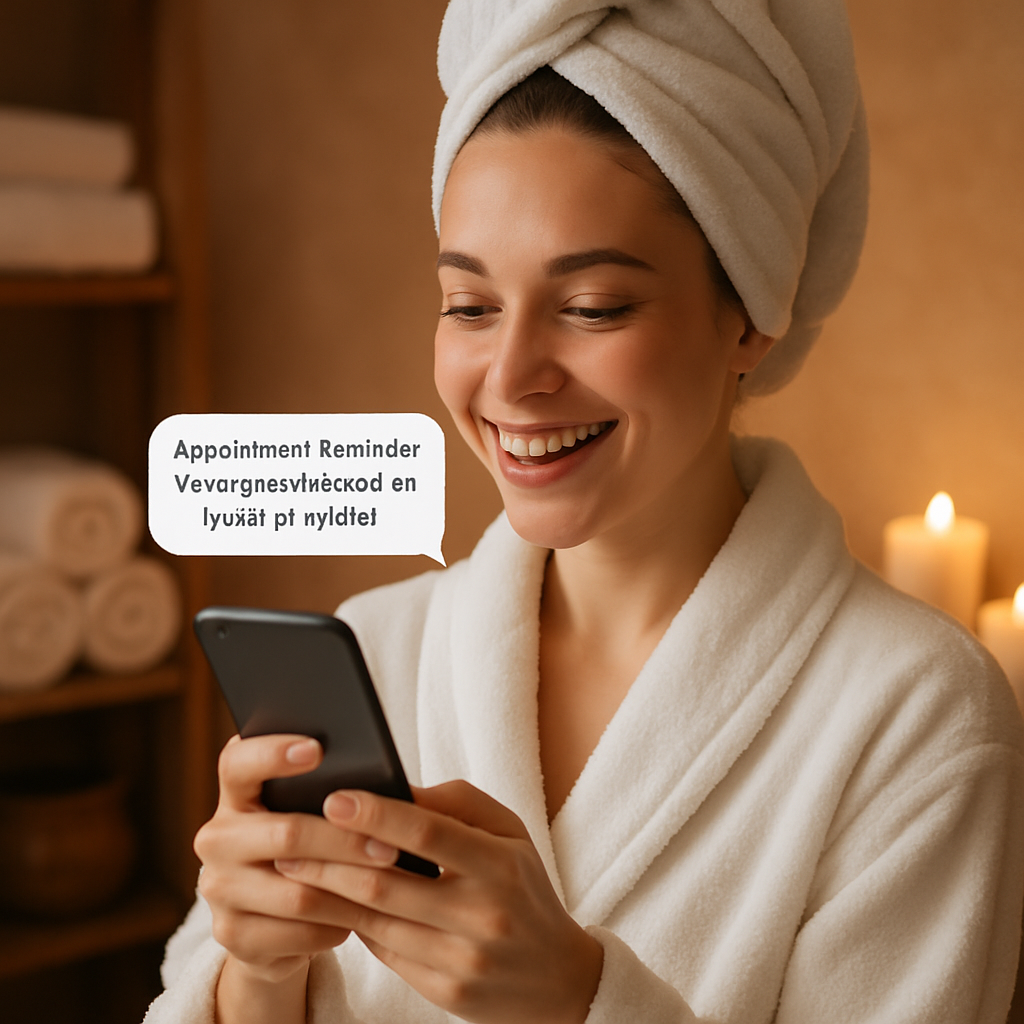
- Review request via text 2 days after appointment
- Single-question satisfaction check before the review ask: “On a scale of 1–10, how was your experience?” Only 9s and 10s get the Google review link
- Follow-up to non-responders 5 days later
- Internal flag for 7s and 8s so staff can follow up personally
This “satisfaction gate” approach is a legitimate strategy to focus your review requests on happy patients. It’s not about suppressing negative reviews—it’s about timing and targeting your asks intelligently.
HIPAA Compliance in Patient Communication Automation
This is the part that makes aesthetic practices nervous—and rightfully so. Mishandling protected health information (PHI) in automated systems can result in fines up to $1.9 million per violation category. But compliance and automation are not at odds. The rules are clear; you just need tools that follow them.
What Counts as PHI in Marketing Contexts
Under HIPAA, PHI includes anything that could identify a patient combined with health information. In practice, this means:
- Names linked to treatments or appointments
- Before/after photos without proper authorization
- Appointment reminders that reveal the nature of treatment (“Your Botox appointment is tomorrow”)
- Any communication that implies a patient received specific care
Compliant Automation Practices
Use a HIPAA Business Associate Agreement (BAA). Any software vendor that stores or processes PHI on your behalf must sign a BAA. This includes your CRM, email marketing platform, SMS tool, and patient communication software. If a vendor won’t sign a BAA, don’t use them for patient data.
Keep treatment details out of text messages. SMS is not a secure communication channel under HIPAA. Appointment reminders via text should say “You have an appointment at [Practice Name] on [date]“—not “Your Botox and filler appointment is tomorrow.”
Use encrypted email for sensitive communications. Services like Hushmail or Paubox are designed for HIPAA-compliant email. Standard Gmail and Outlook are not acceptable for PHI without additional configuration.
Get proper authorizations before marketing. You can contact existing patients about your own services without special authorization, but adding them to general marketing lists requires written consent. Make this part of your intake form.
Document your automation workflows. HIPAA requires you to document how PHI is accessed, used, and protected. Your practice’s Security Officer should review automation systems and update your policies accordingly.
The bottom line: automation done right is no less compliant than manual communication—it’s often more consistent because the rules are baked into the system rather than dependent on individual staff judgment.
Tools That Work for Aesthetic Practices
Not every marketing automation tool is appropriate for a medical practice. Here’s what to look for and where to start.
HIPAA-Ready Patient Communication Platforms
Klara — Purpose-built for healthcare. HIPAA-compliant two-way messaging, appointment reminders, and patient intake. Good for practices that want everything in one place.
Luma Health — Strong on appointment reminders and recalls. Popular with aesthetic and dermatology practices. BAA available.
NexHealth — Online booking, automated reminders, reviews, and patient messaging. Designed for healthcare providers with HIPAA compliance built in.
Podium — Text-based communication and review management. BAA available. Strong for practices that want to centralize all patient messaging in one inbox.
CRM Platforms with HIPAA Options
HubSpot — Popular for marketing automation; BAA available on Healthcare plan. Good for practices that want robust email sequences and lead nurturing.
GoHighLevel — All-in-one marketing and CRM platform with BAA available. Used widely by medical spa consulting firms because it combines automation, booking, and follow-up in one system.
Salesforce Health Cloud — Enterprise-grade. Overkill for most aesthetic practices but worth knowing about for multi-location groups.
Review Management
Birdeye — Review generation, monitoring, and response across platforms. HIPAA-compliant option available.
Reputation.com — Enterprise-focused but has aesthetic practice clients. BAA available.
Google’s own tools — Free, but not HIPAA-compliant for PHI. Use only for publicly accessible information.
When evaluating any tool, ask three questions before your demo: Do you sign BAAs? Where is patient data stored? What encryption standards do you use?
Building Your First Automation Workflow
If you’re starting from zero, don’t try to automate everything at once. Start with the two workflows that deliver the fastest ROI.
Priority 1: New Inquiry Response
This is the single highest-impact automation in most practices. Set it up first.
- Connect your web form to your CRM or communication platform
- Create an instant auto-reply via text: “Hi [Name], thanks for reaching out to [Practice Name]! We received your inquiry and will call you within the hour. In the meantime, feel free to book a consultation directly: [link]”
- Set up an internal alert to your front desk with the lead’s name, inquiry type, and phone number
- Create an after-hours branch: if the form is submitted between 6 PM–8 AM, trigger a different message that sets expectations for a morning callback
Test this before you go live. Submit a test inquiry. Does the text arrive within 60 seconds? Does your team get notified? Does the booking link work?
Priority 2: Appointment Reminder Sequence
- 48-hour email reminder with appointment details, address, and pre-treatment instructions
- 24-hour text reminder with a reschedule link (“If you need to change your appointment, tap here: [link]”)
- Morning-of text with “See you today at [time]! [Address + parking note]”
Most booking and scheduling platforms can handle this natively. If yours doesn’t, integrate it with a tool like Zapier to connect the booking confirmation to your messaging platform.
Once these two workflows are running and you’ve measured the impact—typically a 20–30% reduction in no-shows within 30 days—add the post-treatment follow-up sequence.
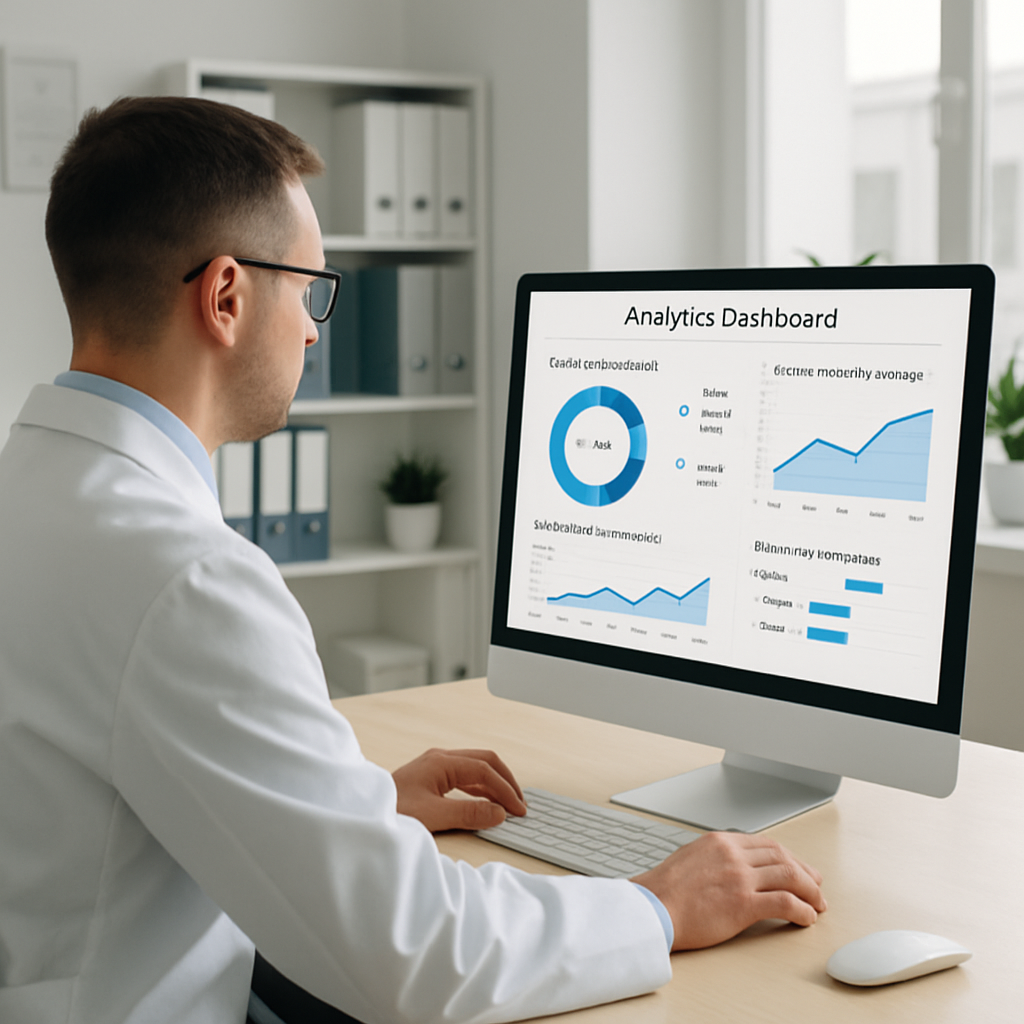
Metrics to Track
Automation without measurement is just noise. These are the numbers that matter.
Lead response time — Track the average minutes between inquiry submission and first contact. Target: under 5 minutes during business hours, instant auto-reply after hours.
Consultation conversion rate — Of all inquiries, what percentage book a consultation? Baseline is typically 20–35%. Automation can push this to 40–50%.
No-show rate — Track monthly. Practices with solid reminder sequences run 5–10% no-show rates; without reminders, 15–25% is common.
Review acquisition rate — Of patients who receive a review request, what percentage leave a review? 15–25% is good; with well-timed requests, you can hit 30–40%.
Patient lifetime value (LTV) — Track spending per patient over 12 months. Post-treatment sequences that drive return visits are directly measurable here.
Reactivation rate — Of patients who haven’t returned in 90 days, what percentage rebook after a reactivation campaign? Even a 10–15% reactivation rate on a list of 200 dormant patients equals 20–30 new appointments.
Review these numbers monthly. The automation should be improving them; if it’s not, audit your messages for tone, timing, and clarity.
Frequently Asked Questions
Do automated messages feel impersonal to patients?
Not when done well. The key is personalization—use the patient’s first name, reference their specific appointment type, and write in your practice’s authentic voice. Patients respond to relevance and timing, not the presence of a human on the other end. A warm, well-timed automated text often feels more attentive than a manual follow-up that arrives three days late.
What if a patient responds to an automated message with a complex question?
Set up your automation to route replies to a human inbox immediately. The automated message handles the initial outreach; a staff member handles the conversation. Most platforms allow you to designate a team inbox where all patient replies land so nothing falls through the cracks.
Can I use standard email marketing tools like Mailchimp?
Not for PHI. Mailchimp does not sign BAAs and is not HIPAA-compliant for patient data. You can use it for general marketing to contacts who have opted in to your newsletter, but appointment reminders, intake forms, and clinical communications require a HIPAA-ready platform.
How long does it take to set up a patient communication automation system?
A basic inquiry response and appointment reminder system can be live within a few days. A full communication lifecycle—including post-treatment follow-up and review generation—typically takes 2–4 weeks to design, build, test, and refine. The upfront time investment pays for itself in the first month through reduced no-shows and increased bookings.
What’s the difference between automation and AI in patient communication?
Standard automation follows pre-set rules: “If patient fills out form, send message A.” AI-powered communication adapts—it can generate personalized responses, analyze sentiment, and route conversations intelligently based on context. Both have their place; most practices should start with rule-based automation before adding AI capabilities on top.
Getting Started This Week
You don’t need to rebuild your entire communication system at once. Pick the highest-impact gap in your current workflow and address it first.
If you’re getting inquiries but losing patients to competitors: build the instant inquiry response sequence.
If your no-show rate is above 10%: set up the 48-hour, 24-hour, and morning-of reminder sequence.
If you have 100+ past patients who haven’t returned in 90 days: launch a reactivation campaign before doing anything else.
Each of these can generate measurable results within 30 days. Once you see the impact, you’ll have the business case to invest in a more complete communication system.
The practices growing fastest in the aesthetic industry right now aren’t necessarily the ones with the best injectors or the most luxurious facilities. They’re the ones that communicate like a world-class operation—instantly, consistently, and in a way that makes every patient feel valued from first inquiry to their fifth treatment.
Ready to build a patient communication system that works while you focus on patient care? Contact Monsoft Solutions for a free consultation on HIPAA-compliant automation for your aesthetic practice.
Related Resources: